The Checker Shadow Illusion: Same Gray, Different Appearance
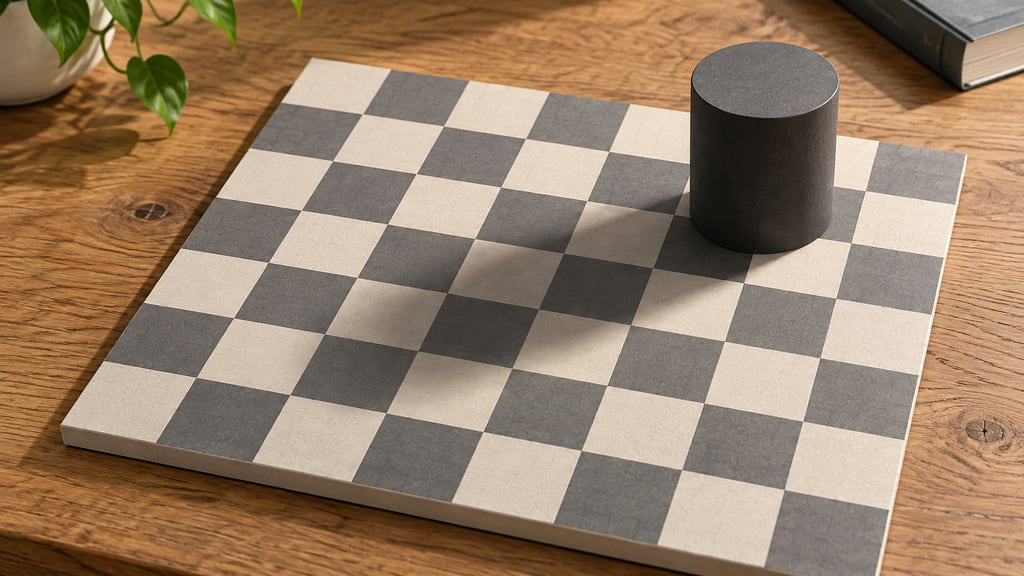
In Edward H. Adelson’s original checker shadow illusion, the areas marked A and B are the same shade of gray in the image. Yet B can look much lighter. The difference comes from how the visual system interprets the checkerboard, its neighboring squares, and the cylinder’s shadow. Identical image values can lead to different judgments about a surface.
That precise claim belongs to the original demonstration. A photograph of a board with a cylinder on it does not automatically contain two matching patches. To understand the effect, keep three questions separate: what values are stored in a picture, how much light reaches your eyes, and how light or dark the depicted surface appears. Here is how to follow the explanation and check a particular file yourself.
The marked patches can have the same image value
Start by opening Adelson’s image and locating A outside the shadow and B inside it. The letters identify regions to compare; the letters themselves are not the samples. Pick an interior area of each square, away from lettering and boundaries. On the original demonstration, the surprising result is that the marked gray regions match despite their different appearances.
An image value is a number used to encode a picture. In a typical RGB image, a pixel has red, green, and blue channel values. Comparing those numbers answers a narrow question about the file. It does not directly measure the reflectance of a real checkerboard or the physical light emitted by your display. Your monitor is another stage between the stored image and your eyes.
Surface lightness is the perceived shade of the material: roughly, whether you interpret a square as dark gray or light gray paint. The illusion separates that judgment from the image values. A square interpreted as a light surface under dimmer illumination can look lighter than an equally encoded region interpreted as a dark surface under stronger illumination.
| Question | What you examine | Useful distinction |
|---|---|---|
| Do the file values match? | The stored RGB samples | A numerical comparison within one file |
| How much light reaches the viewer? | The displayed light | A physical measurement, not simply an RGB readout |
| Which surface looks lighter? | Your judgment in context | An appearance that can differ even when image values match |
What the shadow makes the visual system infer
Adelson’s explanation starts with an everyday difficulty: illumination changes the light coming from an object. A light-colored surface in shade can send less light toward you than a darker surface in stronger illumination. Recognizing the material therefore requires more than treating every darker patch as darker paint.
One useful cue is local contrast. In the checker shadow image, B sits among darker checks, while A sits among lighter ones. Those surroundings support different judgments about the marked squares. Looking at a small region in isolation removes information that was helping it look like a particular kind of square within the board.
A second cue is the character of the shadow boundary. The cylinder’s shadow has a soft transition, whereas the boundaries between checks are sharper. Adelson explains that the visual system can treat gradual changes as illumination changes while preserving the impression of distinct painted squares. The visible cylinder also gives the shadow a plausible cause.
The meeting points between checks reinforce the surface pattern. Taken together, these cues support an interpretation of a board with alternating surface shades under uneven lighting. This is an explanation about organizing image information, not evidence that one named brain region switches off. Knowing the numerical answer does not require the shaded square to start looking dark.
How to verify the patches
Use the exact image you want to discuss. MIT provides a proof demonstration alongside the original. Compare that with a measurement in an image editor rather than relying on a photo of someone else’s screen. Keep the original file as your starting point and make any experimental changes in a separate copy.
- Open one file at native size. Avoid rescaling it before the comparison. Record which version you opened so another person can repeat the check.
- Select a single-pixel sampler. A tool that averages a large area may include lettering, neighboring checks, or an edge. Keep the sampling setting identical for both regions.
- Sample inside each marked square. Stay away from A and B themselves and from the soft shadow boundary. Record all three RGB channels, not a visual guess or just one channel.
- Compare the samples in a common surround. Copy small interior patches to the same neutral background without altering their values. Removing the different surrounds makes the comparison easier to assess.
- Separate the observations. Write down the numbers and your appearance judgment independently. If this particular copy has different values, that is a finding about the copy.
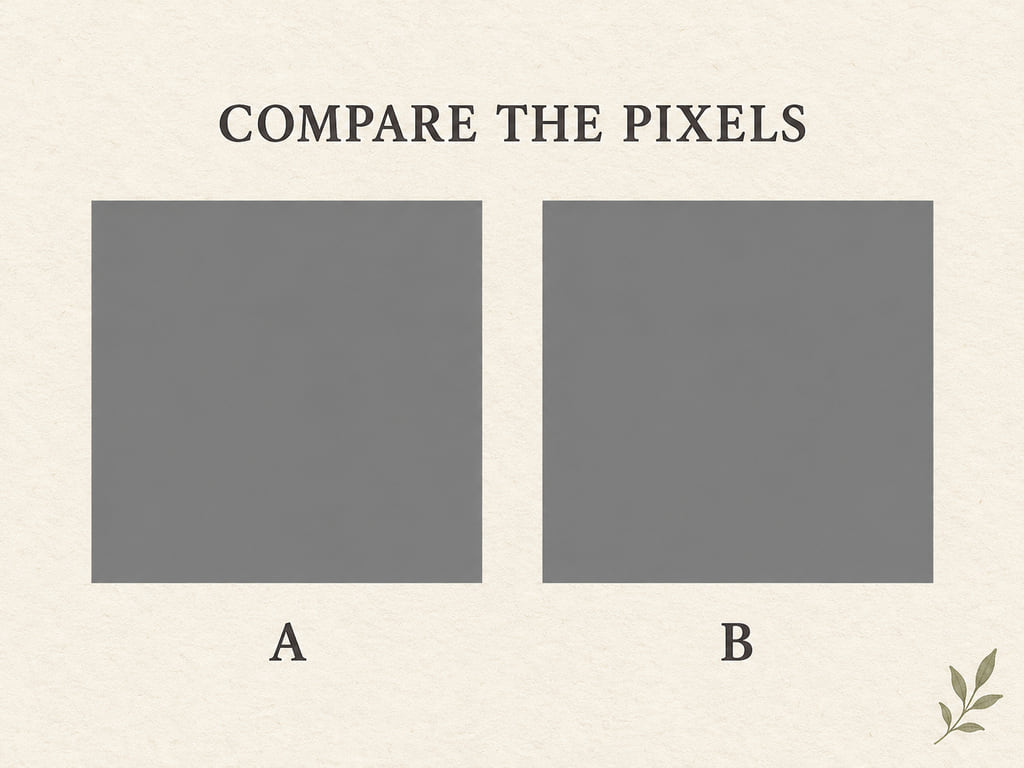
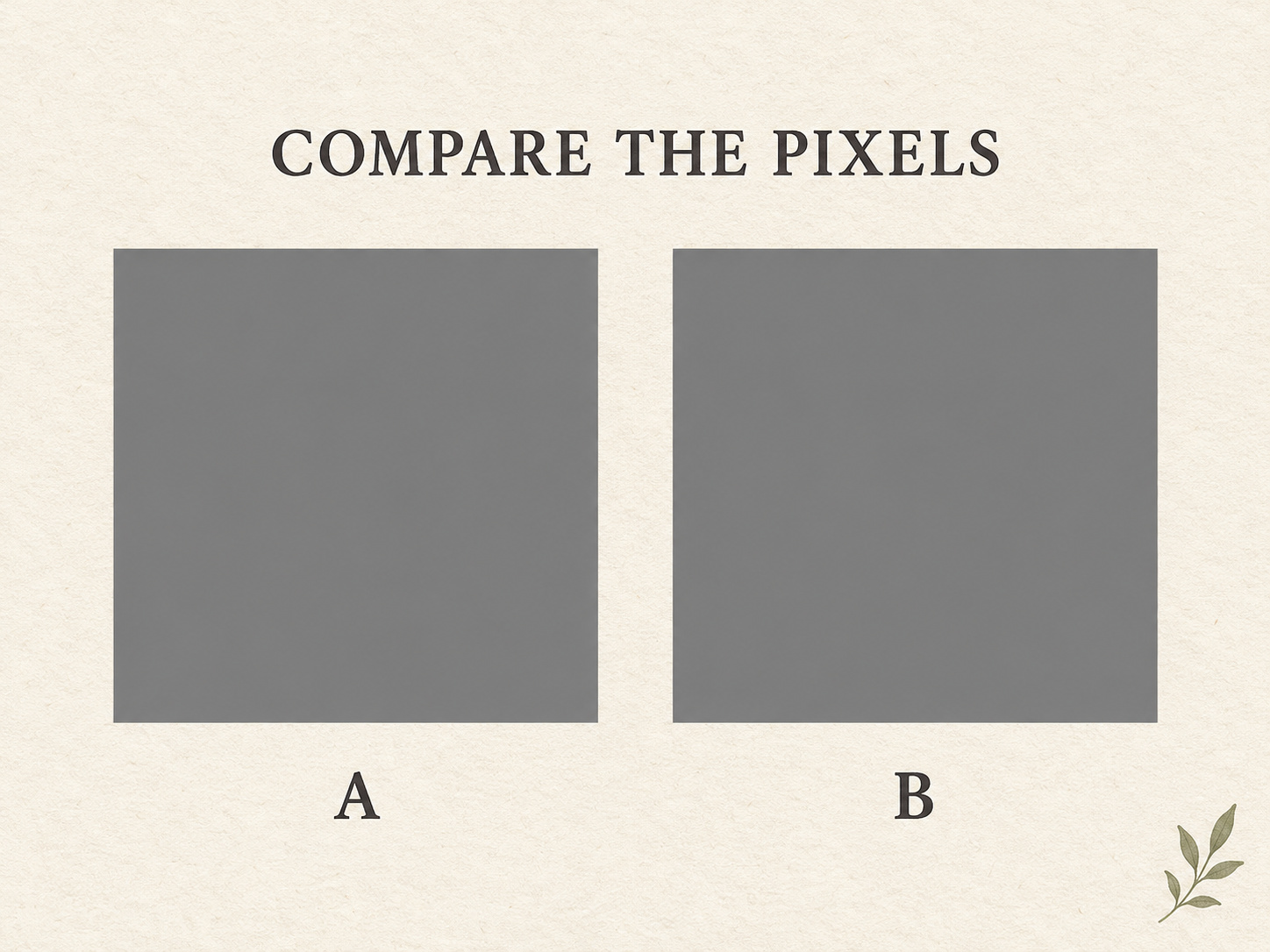
For a concrete sampling exercise, open the full-size sampling card JPEG. At zero-based coordinates (405, 554), inside A, the decoded RGB value is (125, 125, 125); at (1043, 554), inside B, it is (126, 126, 126). These two samples are close but not identical. They illustrate why you should record values rather than assume equality from appearance. The numbers describe that full-size JPEG, not a resized display copy.
Another useful demonstration is a strip of constant gray joining the marked regions, as in MIT’s proof. Follow the strip into each region instead of judging two separated areas from memory. The connector makes the relationship visible in a shared context. Use the original proof for that demonstration; drawing an arbitrary strip on a different photo cannot establish that the photo’s underlying squares match.
What a picture of the setup cannot prove
The opening scene shows the ingredients: a patterned board, a cylinder, and a cast shadow. It helps explain the lighting problem. It does not establish that any chosen pair of squares has equal RGB values. A successful measurement needs identified sample positions in an identified file. The shape of a scene and the values of two regions are separate pieces of evidence.
File handling matters too. Lossy JPEG compression can alter decoded pixel values, particularly near edges and lettering. Resizing blends information from nearby pixels. A screenshot may preserve equality, or a later edit may change it; neither outcome should be assumed just from the file extension. Measure the same file that you show, with the same sampling method.
Nor does a pixel readout tell you the paint formula, the cylinder’s actual reflectance, or your monitor’s luminance. Those are different measurements. For a useful home comparison, keep the claim modest and reproducible: identify the two regions, state the values you found, and describe how they look in their respective surrounds.
Compare another kind of illusion
The checker shadow demonstration is about lightness. The café wall illusion poses a different question: why can parallel lines appear tilted? Keeping the questions separate prevents an appealing image from becoming an all-purpose explanation of vision. In one case you compare encoded gray values and perceived surface shade; in the other you would need a geometric check of line direction.
Our guide to optical illusion facts and measurements places these examples in a broader context. For this demonstration, the useful next step is small: open Adelson’s original and proof side by side, then sample the marked regions. You can recognize that the values match while still experiencing a difference in appearance. The measurement and the perceptual effect answer different questions.
Frequently Asked Questions
Are the two squares really the same color?
In Edward H. Adelson’s original checker shadow demonstration, the regions marked A and B have the same gray image value. They appear to belong to different surface shades because of their surroundings and the apparent shadow. That statement refers to the original stimulus, not every photograph of a checkerboard or every edited copy.
Does a screenshot change the result?
A screenshot does not necessarily change the two values, but resizing, editing, color conversion, or later lossy compression can change the pixels you sample. Check both regions in the same file, at its native size, with the same tool settings. If the values differ, report that result for that copy rather than borrowing the original demonstration’s equality claim.
Sources
Edward H. Adelson’s MIT Perceptual Science Group pages: original checker shadow demonstration, explanation of local contrast and illumination cues, and proof. File-format background: W3C JPEG overview. Sources checked October 22, 2026.