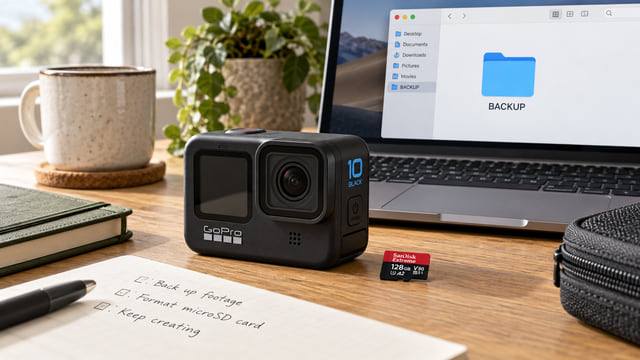
microSD Speed Classes for Action Cameras: U3, V30, A2, and UHS-I
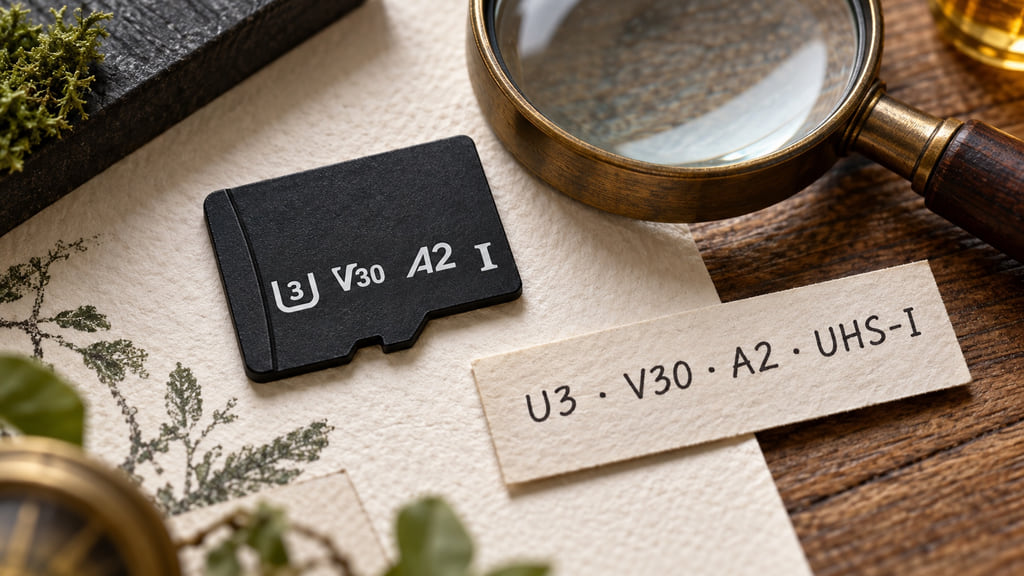
U3 and V30 describe minimum sequential writing performance under their respective standards; A2 describes application performance; UHS-I identifies a bus interface. These marks answer different questions. For an action camera, start with its required recording class and supported card specifications, then identify the exact card. The biggest number on a package is not a shortcut through that process.
This guide decodes the symbols rather than ranking brands or promising that one class works in every camera. The standards are international; the shopping language here uses American English. Read the comparison first, then use the manual checklist before ordering. A few minutes spent separating class, interface, and capacity can prevent buying a card for the wrong reason.
The letters describe different capabilities
Think of a card label as several answers printed in one small space. Its recording class concerns writing a stream of data. Its application class concerns a different workload. Its bus interface describes the connection the card and host use. Capacity is another specification again: how much data the card can hold, rather than how fast it accepts it.
The SD Association’s consumer guide explains recording classes as minimum writing performance. A camera must keep sending footage to storage while recording. That makes sustained writing relevant in a way a headline read-speed figure is not. Reading matters when retrieving files; writing matters while saving them.
As a reading exercise, imagine a listing showing U3, V30, A2, and UHS-I together. There is no contradiction: it lists multiple capabilities. Do not add the numbers or rank the letters as though they share one scale. Instead, put each claim beside the matching requirement in your camera documentation. A missing requirement remains missing even when the package has several other impressive labels.
Read the symbols one system at a time
The table below translates familiar recording marks. Values are megabytes per second, written MB/s, under the relevant standard’s conditions. The letters identify the class family; keeping them attached to the number is part of reading the specification correctly.
| Class family | Mark | Minimum | How to read it |
|---|---|---|---|
| Speed Class | C2 / C4 / C6 / C10 | 2 / 4 / 6 / 10 MB/s | Number inside the C-shaped symbol |
| UHS Speed Class | U1 / U3 | 10 / 30 MB/s | Number inside the U-shaped symbol |
| Video Speed Class | V6 / V10 / V30 / V60 / V90 | 6 / 10 / 30 / 60 / 90 MB/s | V followed by the writing threshold |
U3 and V30 each specify 30 MB/s, but they belong to separate class systems. The SD Association’s host-matching guidance says to match the host’s class symbol, using the same or a higher class within that system. Equal numerical thresholds across different families do not by themselves establish the expected performance for a host.
For shopping, the useful rule is to preserve the same class family when following a requirement, unless the camera maker explicitly accepts alternatives. A V30 requirement should send you looking for V30 or an explicitly accepted higher Video Speed Class, plus the other compatibility checks. Do not silently translate a C10 requirement into a different logo just because a table shows the same number.
Why A2 is not a video-speed guarantee
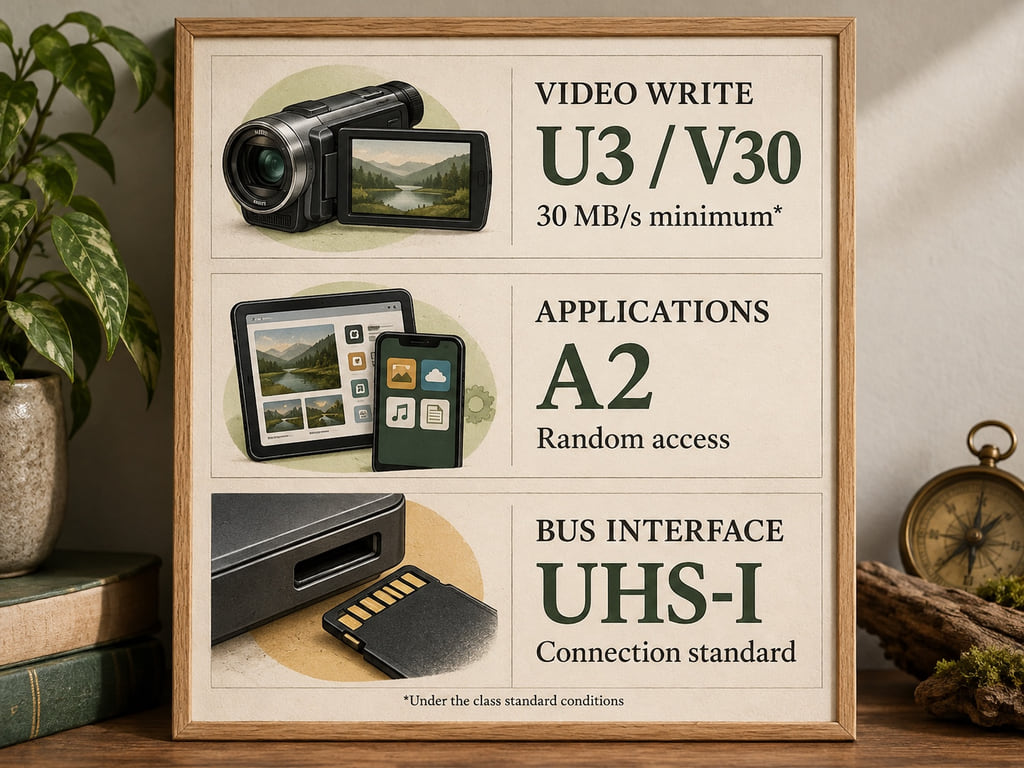
Application Performance Class addresses workloads such as using applications and their data on a card. Random access means reading or writing small pieces in different locations. That differs from treating storage as one continuing video stream. A2 includes sequential requirements too, but it is not another spelling of V30.
The SD Association specifies that A2 performance requires an A2-supported host paired with an A2 card. Its application features include command queuing and caching. Buying the card does not establish that a particular camera uses those features. If a manufacturer asks for both an application class and a recording class, check both; do not discard one because the other sounds faster.
The Roman numeral in UHS-I identifies an interface generation. It is different from the 3 inside a U3 mark. An interface provides a transfer path; a recording class specifies performance under defined conditions. Neither term, alone, identifies a camera-approved product. Read UHS-I as part of the card-and-host connection, not as a substitute for a writing class.
Match the camera manual before the product name
Use this sequence to turn a label into a purchase check. These are practical reading steps, not a claim that the pictured card has been tested in your camera.
- Identify the exact camera. Include its model name and check its support documentation. Advice for a similarly named camera is only a starting point, especially when comparing older manuals with current recommendations.
- Copy the required class symbols. Keep the letters, numbers, and any manufacturer-approved alternatives together. If support guidance adds an application-class requirement, record it alongside the video requirement.
- Check capacity and card format. Match these to the manufacturer’s supported specifications rather than assuming a physically fitting card qualifies. A larger capacity is not automatically a supported capacity.
- Match the exact card model. Compare the manufacturer’s product identifier and capacity with the recommendation, not just a familiar series name or package color. Save that information with the order.
For a concrete documentation example, the HERO10 Black manual, revision B, page 8 lists V30 or UHS-3 or higher and directs readers to GoPro’s recommended-card list. That is what this manual revision says, not a universal rule for every action camera. Check current manufacturer guidance for your exact model before buying.
Our HERO10 microSD compatibility guide handles that model’s shopping question separately. This page stays focused on interpreting the markings. Keep formatting instructions separate too: before any operation that erases a card, preserve footage you want to keep.
Three common buying mistakes
Comparing a read maximum with a write requirement. An advertised transfer figure can be useful for moving footage, but first identify its direction and test conditions. Ask which specification supports recording in your camera, then which helps your editing workflow. Those are two purchase criteria, even when the packaging emphasizes only one.
Buying a series name without checking the item. Treat the listing photo as a starting point. Confirm the exact model and capacity on the seller’s offer against the card manufacturer’s specifications. If those details are missing, resolve them before ordering. A recognizable name is not enough information to complete a compatibility comparison.
Expecting a reader to upgrade camera recording. A card reader participates when you transfer files to a computer; it does not replace the camera’s own host interface while filming. The SD Association describes transfers as depending on both card and host support. Consider your camera and your offload equipment separately instead of paying for an interface label on the assumption that every device benefits equally.
Keep a short purchase note: camera model, required class, supported capacity, and exact card identifier. If a seller’s claims cannot fill those fields, keep looking for the missing specification before choosing by price.
Frequently Asked Questions
Is A2 the same as V30?
No. A2 is Application Performance Class 2, covering random access and sequential performance for applications. V30 is Video Speed Class 30, specifying at least 30 MB/s sequential writing under its standard conditions. A card can carry both marks. If a camera requires V30, an A2 label alone does not establish that requirement.
Is the largest advertised MB/s number the video guarantee?
No. First check whether the number describes reading or writing and whether it is an advertised maximum. Video recording needs sustained writing. Match the camera’s specified class and supported card model; a large read-speed claim on the packaging cannot replace those checks. Reader and host capabilities also affect transfers.
Sources
Definitions and host matching: SD Association consumer recording guide and Speed Class technical overview. Application workloads and host support: Application Performance Class. Interface distinctions: Bus Speed overview. Model-specific manual example: GoPro HERO10 Black revision B. Checked October 22, 2026.